For shared knowledge
Notion
Authorize your workspace, then send the current chat to the AI Chats database with its title, source, platform, and formatted content.
Read the guideChrome extensionLocal-first export
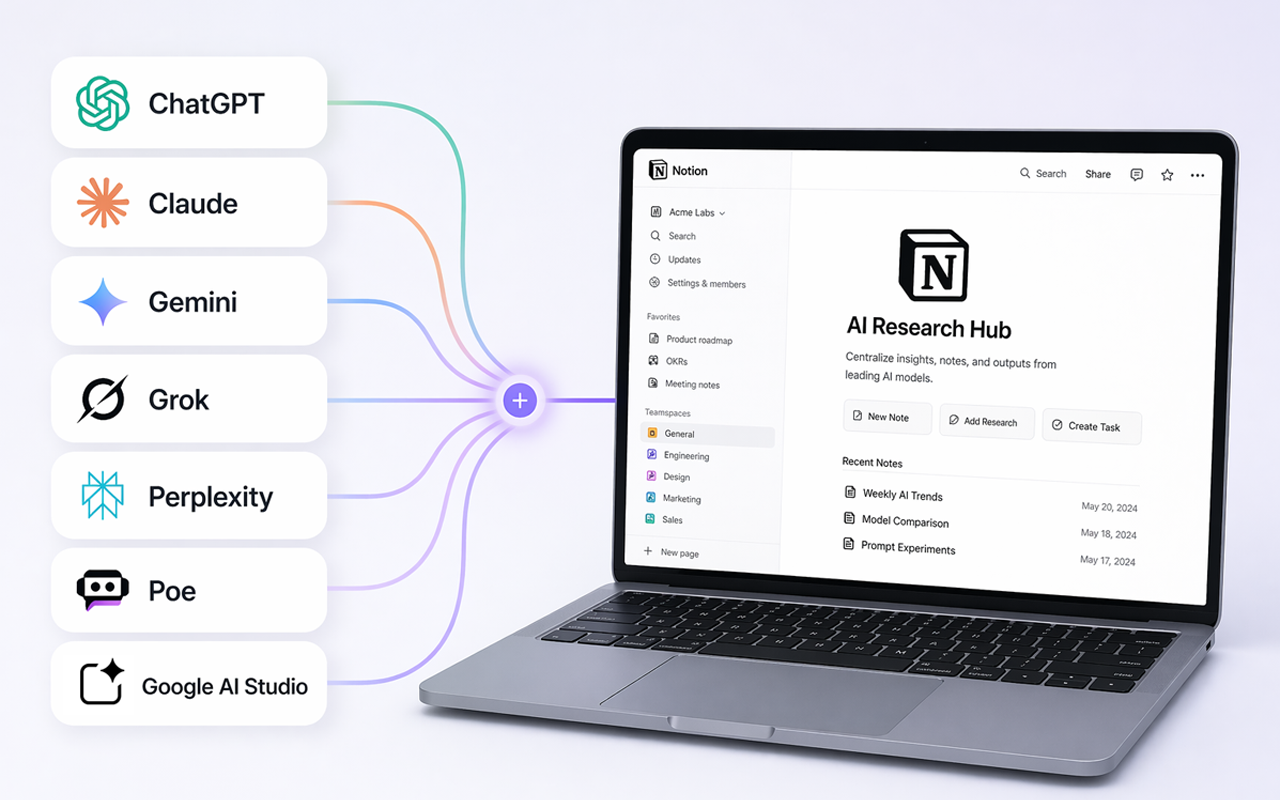
Download a finished conversation as Markdown, write it directly to an Obsidian vault, or sync it to Notion. The same workflow works across seven AI platforms.
Local Markdown export needs no account or Notion connection.
Works where you already think
Choose the destination
Keep team knowledge in Notion, own a portable Markdown file, or place the note directly inside your Obsidian vault.
For shared knowledge
Authorize your workspace, then send the current chat to the AI Chats database with its title, source, platform, and formatted content.
Read the guideFor portability
Download a plain-text file you can search, edit, version, or move. Optional YAML fields add title, date, source, and custom metadata.
Read the guideFor personal knowledge
Select a folder inside your vault once. Future exports write directly to that folder when Chrome has permission.
Read the guideThree deliberate steps
Three steps, with no copy-and-paste cleanup.
Install AI Chat Backup from the Chrome Web Store so its actions stay one click away.
Wait for the response to finish loading. The extension detects the supported platform in the active tab.
Download Markdown, write to your selected local folder, or send the chat to an authorized Notion workspace.
Practical guides
Follow the exact controls used by the current extension, including folder permissions, Notion authorization, and batch limits.
Before you export
No. Export Chat creates Markdown locally. You only need to authorize Notion when you want workspace sync.
ChatGPT, Claude, Gemini, Google AI Studio, Perplexity, Poe, and Grok are supported. Platform interface changes can temporarily affect extraction.
It extracts content from the active supported chat when you choose Export Chat, Sync to Notion, or start a ChatGPT batch sync.
Yes. The Chrome side panel can sync the latest chats or conversations you select in the ChatGPT sidebar. Free batches are limited to five chats, and pinned items are skipped unless you include them.
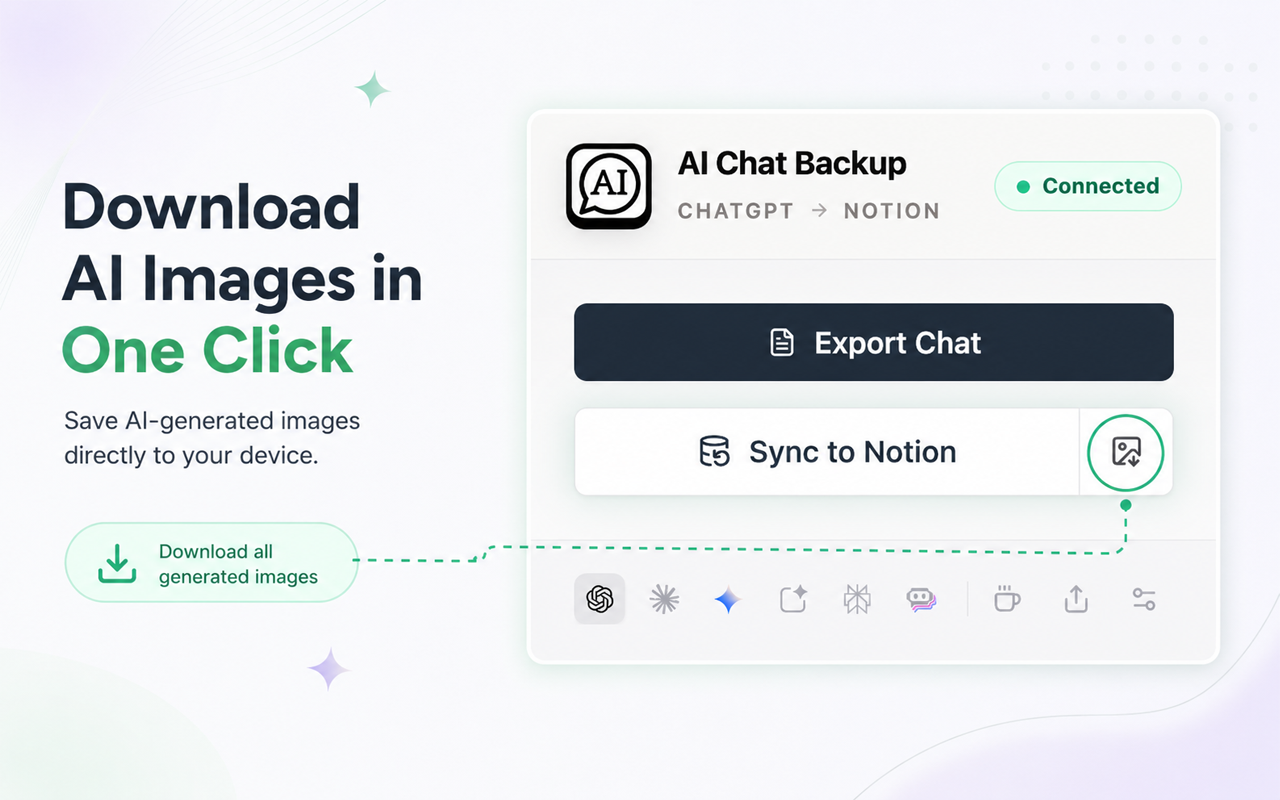
Yes. For ChatGPT conversations, select Download generated images to save the image files locally. Generated images are not included in Notion sync because their source URLs block access from external services.
Keep the useful part
Add AI Chat Backup, open a finished AI conversation, and save it in the format you control.
Add AI Chat Backup